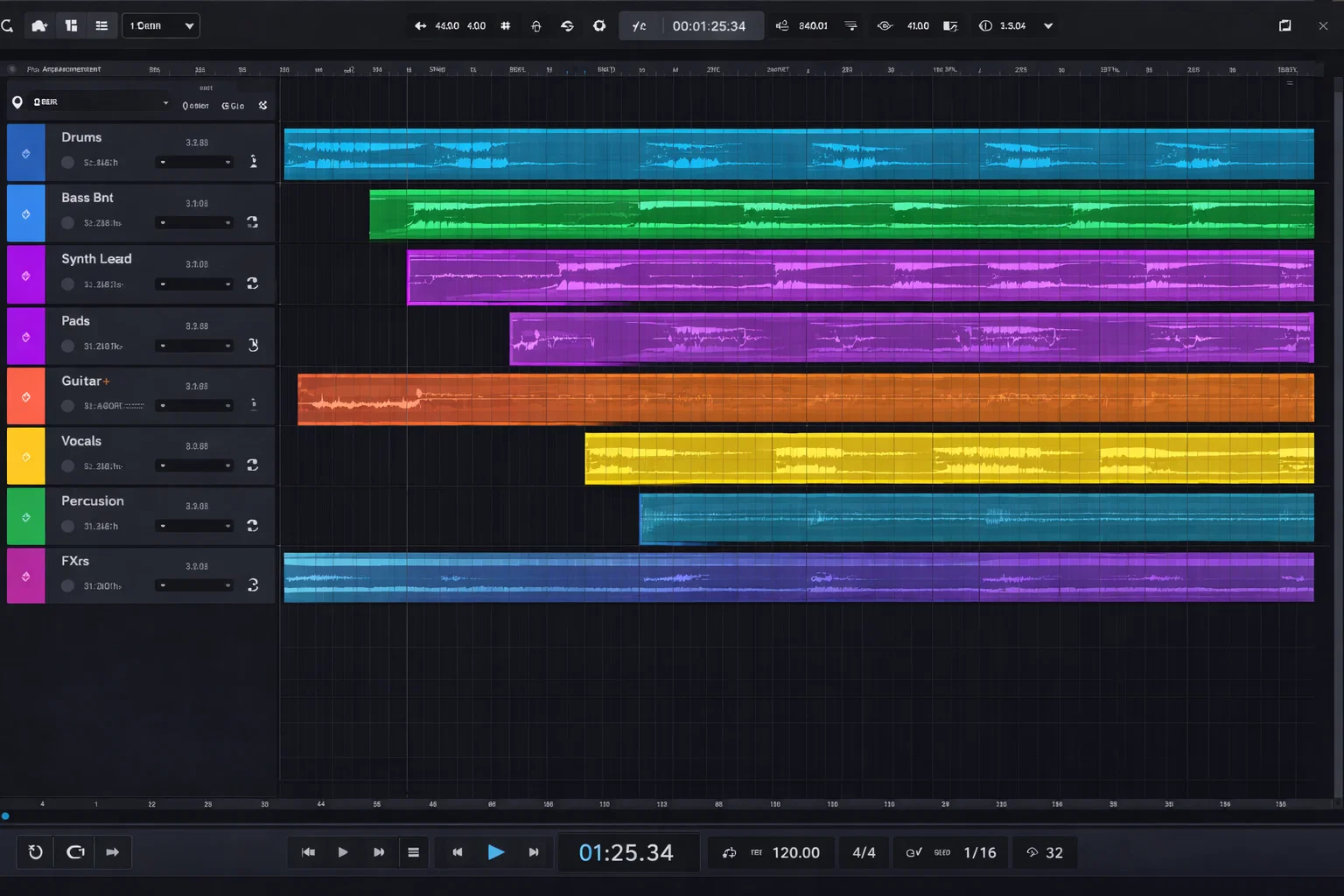
Stay in the zone.
Navigate your DAW
with your mouse wheel.
Your hands never leave the mouse and keyboard.
Record, rewind, edit, advance — without breaking your flow.
Windows & macOS · No account required · 7€ after trial
Every time you reach for the mouse to click-drag the timeline, you break your flow.
You're recording. You need to go back 4 bars. You grab the mouse, aim at the timeline, click, drag, overshoot, correct. Your hands left the keyboard. Your focus left the music. Multiply that by hundreds of times per session.
With jogg, you just scroll. Hands stay exactly where they are — on the mouse you're already holding, on the keyboard you're already using. You stay in the zone.
Everything you need. Nothing you don't.
Never Break Your Flow
Recording? Scroll back to punch in. Editing? Scroll to the next cut. Your hands never move.
Zero Config
Install jogg. Launch it. Open your DAW. It works. Virtual MIDI port auto-created.
Any DAW
Cubase, Studio One, Reaper, Logic, Ableton, Pro Tools — any MCU-compatible DAW.
Faster at Every Stage
Record, rewind, re-record — in seconds. Sessions that took 4 hours now take 3.
Save 120€ and Desk Space
jogg costs 7€ and uses the mouse already in your hand. No cables, no drivers, no clutter.
Shortcuts You Already Know
Shift = slow scrub. Ctrl = zoom. Alt = track height. Your muscle memory, extended.
One-time purchase. Yours forever.
Buy Now — 4.99€- Windows & macOS
- All future updates included
- 7-day free trial, no card required
Everything you need to know.
What is jogg?
jogg is a lightweight utility that transforms your mouse scroll wheel into a virtual jog wheel for DAW timeline navigation. It uses the Mackie Control protocol to send jog commands through a virtual MIDI port. Install it, launch it, and your scroll wheel moves the timeline.
Which DAWs does jogg work with?
Any DAW that supports Mackie Control: Cubase, Studio One, Reaper, Logic Pro, Ableton Live, Pro Tools, Bitwig, Mixbus, and more. If your DAW has a Mackie Control input option, jogg works.
Does jogg work on Mac and Windows?
Yes. jogg runs on Windows 10+ and macOS 12 (Monterey) and later. Both Intel and Apple Silicon Macs are supported natively.
Is there a free trial?
Yes. jogg offers a free 7-day trial with full functionality. No credit card required. No account required. Download and start using it immediately.
How much does jogg cost?
One-time purchase at 4.99€ during launch (regular price 7–9€). No subscription. All future updates included. Less than the price of a single plugin on sale.
Does jogg interfere with normal scrolling?
No. jogg only intercepts the scroll wheel when your DAW is the active window. In any other application, your scroll wheel behaves normally. You can also toggle jogg on/off from the system tray.
Your scroll wheel has been wasted long enough.
Try jogg free for 7 days. If it doesn't change how you work, delete it.
Download Free TrialWindows & macOS · No account · No credit card
Built for the people who asked for it.
"I've been looking for exactly this for years. Every time I edit in Cubase I wish my scroll wheel could move the timeline."
— Forum user, Steinberg Forums"Spent 110€ on a ShuttleXpress just for the jog wheel. This does the same thing for the price of a coffee."
— Producer, KVR Audio"Installed it, opened Reaper, scrolled. Done. I don't understand why this didn't exist before."
— Home studio user, Reddit